
Remote Car Inspection Photos: Build a Repeatable Evidence Pack
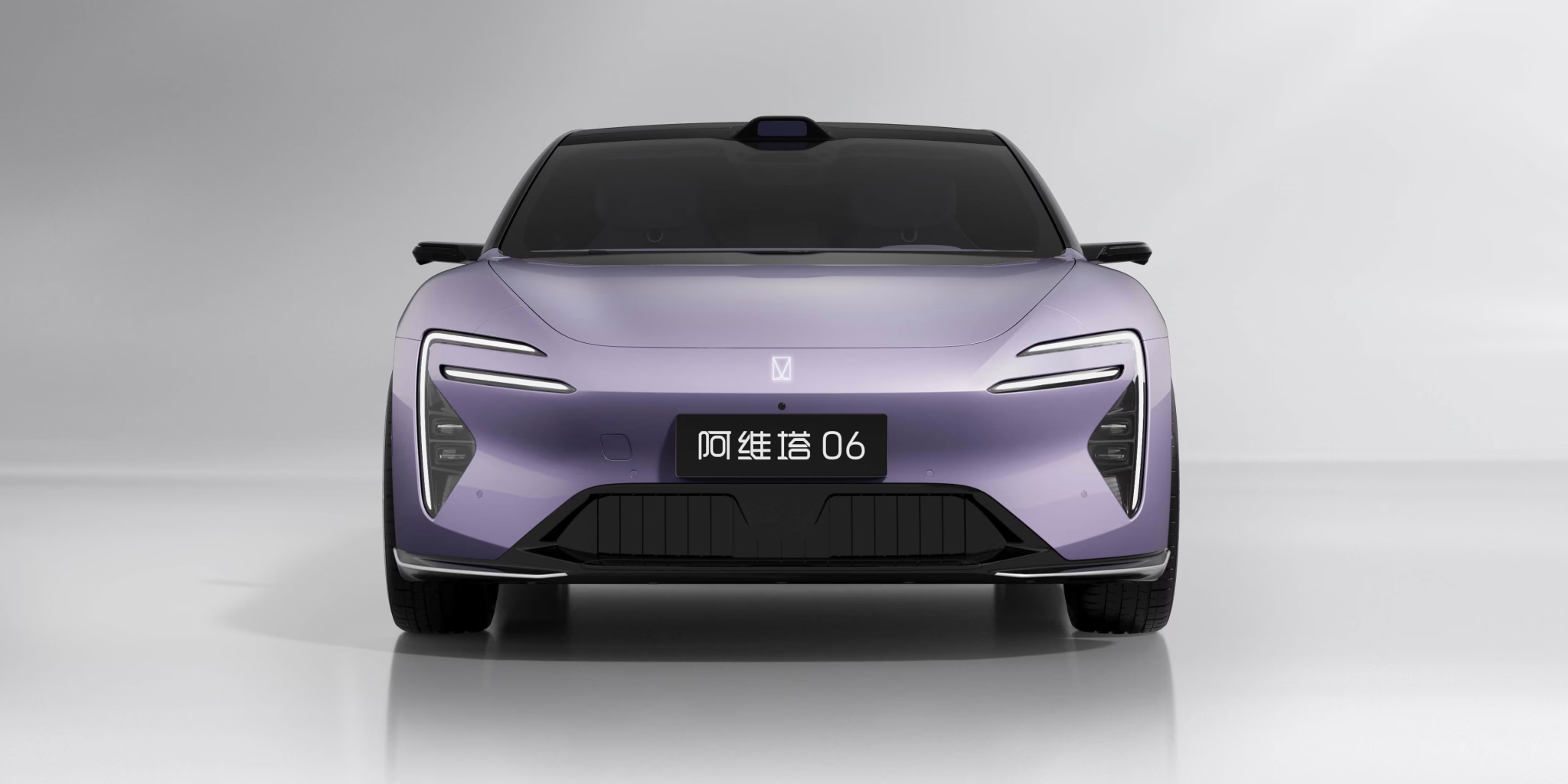
Ask for a dated, VIN-linked photo sequence that makes vehicle identity, condition, equipment and departure findings easier to review remotely.
Agree the questions the pictures must answer
Start with the actual order specification and inspection scope. Identify which features cannot be established from a general exterior image: installed seats, charging inlets, wheel specification, cabin controls and observed warning messages. Ask the inspector to record what was checked and what was outside scope. A photo pack is evidence of observed conditions at a stated time, not a complete mechanical or battery-health assessment.
Use a repeatable identity sequence
Keep a dated overview, the agreed vehicle identifier evidence, production-date record where available and odometer image together. For several cars, organize one folder or report section per vehicle and do not mix a clean example with the rest of the batch. Store complete VIN and commercial records in the private order channel. The public website can show model-family pictures without exposing the buyer’s allocated vehicle schedule.
Separate exterior coverage from detailed findings
Request clear front, rear, both sides and corner views under lighting that makes the body visible. Add closer records of any issue rather than replacing the overview with an isolated scratch photograph. Identify the location and inspection finding in the report. Ask for wheels, tyres, glass and charging-port condition within the agreed scope. Avoid inferring a cause or a repair history from appearance alone; record the observed evidence and request clarification.
Make the cabin match the passenger requirement
Record every installed row, key cabin controls and selected equipment. For a seven-seat order, show third-row access and luggage with all seats in normal use. For a sedan, use a consistent front-seat position when demonstrating rear space. If a feature needs operation to establish it, request a short labelled video or an inspection result, not only a static picture of a button. Software and destination operation require their own checks.
Close the sequence with findings and departure evidence
Give each finding an identifier, location, date and agreed resolution status. After work is completed, request evidence tied to the same vehicle and finding. Connect final inspection and loading records to the accepted VIN and accessory schedule. Keep an unambiguous final report separate from older drafts. A repeatable sequence lets the arrival team compare like with like without guessing which picture describes the delivered car.
Comparison at a glance
| Decision | What to compare |
|---|---|
| Identity | Dated vehicle identifier, production evidence and odometer |
| Overview | Consistent exterior and cabin coverage |
| Finding | Location, report item and resolution status |
| Departure | Accepted VIN, accessories and loading identification |
Buyer questions
Can pictures prove battery state of health?
No. Request a separate vehicle-linked assessment with its method and limitations if that test is part of the agreed scope.
How many photos are enough?
Use coverage of the agreed questions and recorded findings, not an arbitrary photo count.
Build an enquiry that can be quoted
Send the complete model and trim, quantity, preferred colours, destination country and port, and the equipment you cannot compromise on. Request an itemized sourcing quotation. Availability, price, warranty and delivered software must be established for the actual order, not inferred from a manufacturer image.
Browse allocation evidence timeline; approved configuration changes; occupied-cabin MPV comparison. Review the agreed inspection scope and shipping scope before shipment.
Related buying checks
To turn this comparison into an acceptance record, use the VIN-by-VIN inspection and handover plan. Keep the accepted specification, inspection findings, delivered accessories and handover evidence with the same allocated VIN.